
For parents
The games kids love. None of the stuff parents don’t.
- No ads or tracking
No advertising, analytics, tracking pixels or outside scripts. Everything loads from this site.
- No accounts or chat
No sign-ups, messages, uploads or online players. Kids pick a game and play.
- Progress stays on this device
Game saves, favorites and recently played live in this browser. We never receive them. Read the privacy page.
The games
| Game | Age | What to expect |
|---|---|---|
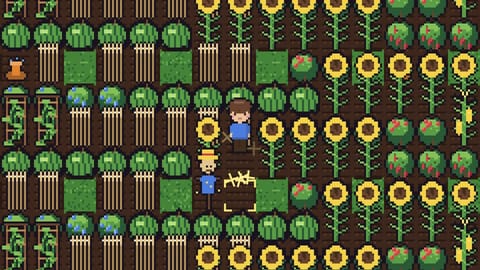 Cliff Valley Cliff Valley | Ages 8–14 | Farming and friendship with mild cartoon cave critters that bounce away. No harsh penalties: fainting or staying up late just sends you home with nothing lost. No romance. Three farm save slots and settings stay in this browser. |
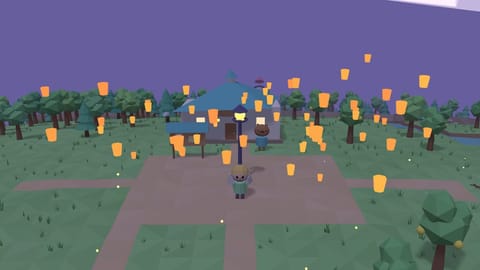 Light Crossing Light Crossing | Ages 6+ | Peaceful island life with no combat. Reading helps with conversations and missions, and read-aloud can speak them. Three save slots and automatic saves stay in this browser. |
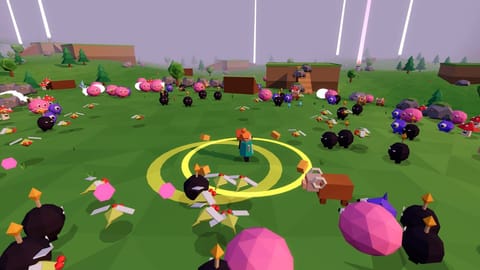 TheaBonk TheaBonk | Ages 8+ | Fantasy combat against cartoon monsters, fast movement and colorful effects. No realistic blood or gore. Action may feel intense. Unlocks and settings save in this browser. |
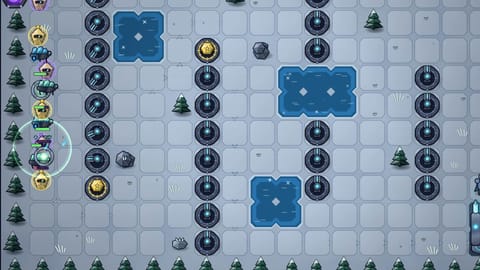 Vanex Defense Vanex Defense | Ages 10–14 | Sci-fi battles against crystal robots: towers fire energy beams and constructs shatter into crystal shards. No blood, gore or scary horror. Campaign progress and settings save in this browser. |
 Space Sky Space Sky | Ages 6–10 | Friendly aliens, real space facts and no scary content. There is no game over. Three save slots and settings stay in this browser. Needs WebGL 2, which current browsers on computers, tablets and phones support. |
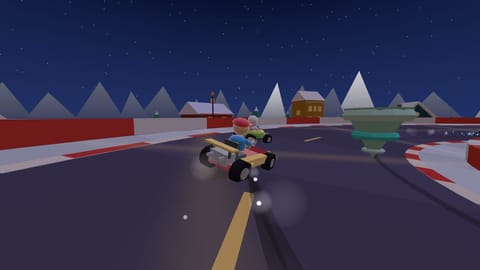 Calex Cart Calex Cart | Ages 10–14 | Cartoon kart battles and silly spin-outs. Three save slots, settings and Time Trial ghosts stay in this browser. Split-screen needs a keyboard or gamepads; touch controls are for solo play. |
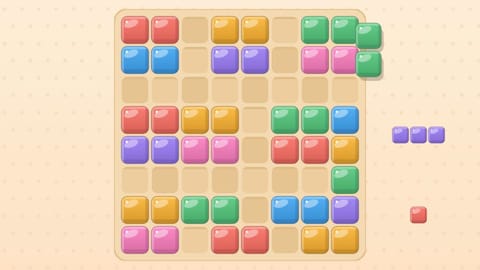 Tuck Pop Tuck Pop | Ages 6+ | A calm puzzle with no violence, ads, purchases or chat. No timers, except an optional clock badge in the last Adventure worlds. Progress and best scores save in this browser only. |
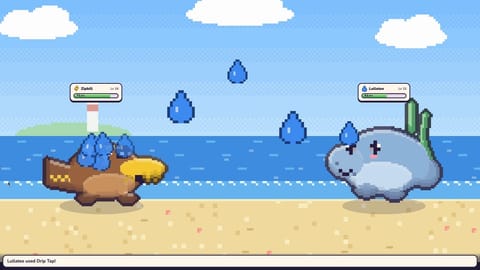 Agentmon Agentmon | Ages 7–12 | Gentle sparring only: tired creatures take a nap and are never hurt or lost. Losing sends you to a Rest Stop with nothing taken. No purchases, ads, chat or random reward packs. Some reading, with read-aloud. Saves stay in this browser. |
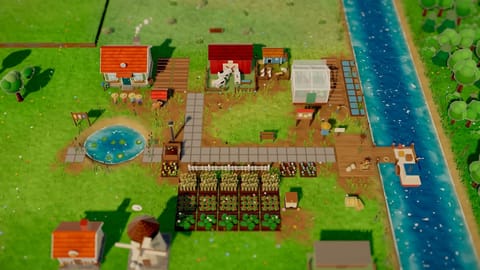 Fieldlark Fieldlark | Ages 8–14 | Gentle farming with no fighting or scary content. Nothing ever wilts, dies or gets sick, there are no timers outside play, and pricing mistakes only mean selling a little less. Some reading, with read-aloud. The farm saves in this browser. |
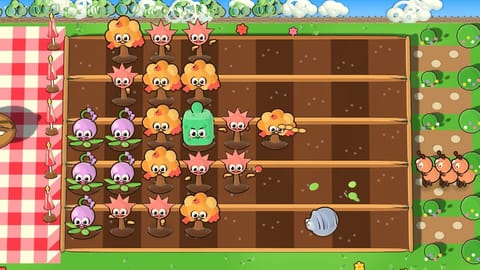 Shooberry Shooberry | Ages 7+ | Silly critters try to sneak picnic snacks, and plants shoo them home with berries, seeds, scents and chimes. Nobody gets hurt: critters poof into leaves and run off, nibbled plants just wilt, and a lost level is simply tried again with a hint. No purchases, ads, chat or timers. Some reading, with read-aloud tips. Progress saves in this browser. |
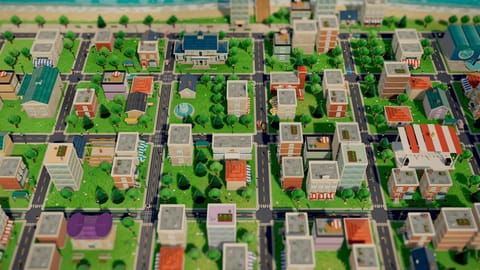 Breezeport Breezeport | Ages 8–14 | Gentle city building with no fighting, fires, disasters or crime. A missing service only makes people a little less happy, and the town can never go broke. Some reading, with read-aloud. The town saves in this browser. |
Tips for grown-ups
Ages are our suggestion, not an official rating. Try a game together and decide what feels right. Take breaks, and help younger players with the controls.
Saves are kept in this browser only, so clearing browser data removes them. Each game has its own save controls. Links to other websites ask a grown-up first.
Every game plays in a web browser on a computer. All of them also play by touch on phones and tablets, including iPhone and iPad.
Use a recent version of Safari, Chrome, Edge or Firefox. Space Sky needs WebGL 2; Fieldlark needs WebGL 2; Shooberry needs WebGL 2; Breezeport needs WebGL 2.
On a phone or tablet, the Add to Home button on the home page puts AI Kids Games on your Home Screen like an app.
Questions?
The parent FAQ answers the common ones: what’s free, what data is collected, ages, devices and offline play. Our guides for parents cover choosing ad-free games, what makes a game kid-safe, and building a first game with your kid.
In ChatGPT or Claude
You can also find our games from an AI assistant. Add the AI Kids Games app to ChatGPT or Claude, then ask something like “a calm puzzle for my 7-year-old”. It shows each game as a card with its ages and content notes, and you can try one together right there. It isn’t in the assistants’ app directories yet; to try it now, add a custom connector with the address https://ai-kids-games-mcp.vercel.app/mcp (in Claude: Customize, then Connectors; in ChatGPT: developer mode).
These assistants are made for teens and adults (ChatGPT for ages 13 and up, Claude for 18 and up), so the app is for you, the grown-up. It speaks to parents and never invites children to chat with the assistant. Progress made in the chat may not be saved; play here to keep it. The app receives only the choices you make there, never your conversation: see what the app receives.
Made in the open
Every game here is open source, so you can read exactly what it does. Families and young makers can build their own kid-safe games from the same starter and submit them. Every community game passes the same checks, is approved by a person, and runs from its own separate address.
Clear saved lists
Removes favorites and recently played on this device. Game saves stay.